Education Portal 3.0 Login: ERP vs GFMS vs POMS — Which One Is Yours? (2026)
Unofficial guide: this website is not the government portal and is not affiliated with the School Education Department, Government of Madhya Pradesh. Log in only at the official portal, educationportal3.in. Never share your password or OTP with any other website.
The number one reason people get stuck on MP Education Portal 3.0 is simple: they are using the wrong login. The portal has separate systems for regular staff, guest teachers and outsourced staff, and a user ID from one does not work on another. This guide explains which login is yours, how to reach it safely, and how to fix the most common errors.
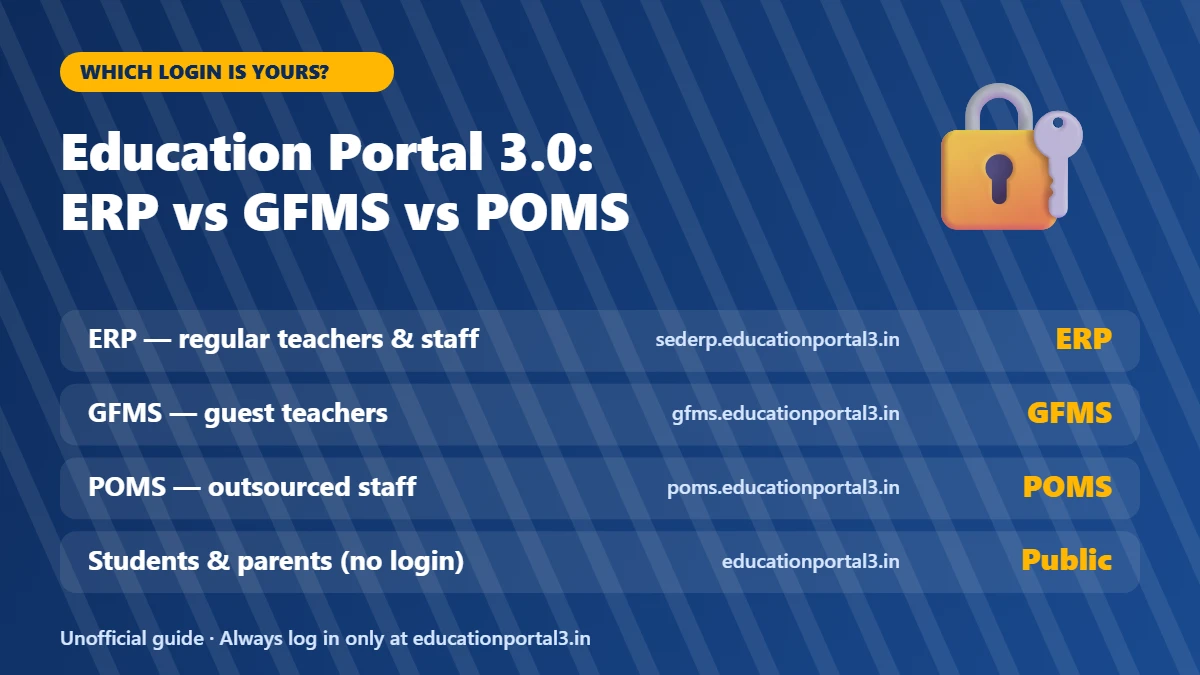
Which Education Portal 3.0 Login Is Yours?
| If you are… | Use this login | Official address |
|---|---|---|
| A regular government teacher, principal, clerk or office staff | ERP | sederp.educationportal3.in |
| A guest teacher (atithi shikshak) | GFMS | gfms.educationportal3.in |
| Outsourced teaching or support staff | POMS | poms.educationportal3.in |
| A student or parent | No login needed (public services) | educationportal3.in |
All of these addresses belong to the same official portal. If the address in your browser does not end in educationportal3.in, you are not on the government site.
ERP: for regular staff
ERP holds service records, postings, pay details and other employee information. Accounts are created by the department through your school head or DDO; you do not register yourself. Your user name is the ID issued by the department, not your email address or mobile number.
GFMS: for guest teachers
GFMS (Guest Faculty Management System) handles guest-teacher registration, verification, vacancies and engagement. Registration opens during windows announced by official circulars. If you forgot your ID, look for the “Know Your Id” option on the GFMS home page.
POMS: for outsourced staff
Outsourced staff have their own system with separate credentials. ERP or GFMS logins will not work here.
Public services: no login needed
Students and parents generally do not need a personal login. Public sections of the portal offer services such as school and staff directories, student tracking and unique ID lookups.
How to Log In Safely (Step by Step)
- Type educationportal3.in directly in your browser instead of clicking search results or links shared on WhatsApp.
- Choose the login that matches your role (ERP, GFMS or POMS).
- Enter the user name issued to you. Passwords are case-sensitive.
- Type the captcha exactly as shown. If it is hard to read, refresh it instead of guessing.
- Click Login, and log out when you finish, especially on shared or cyber-café computers.
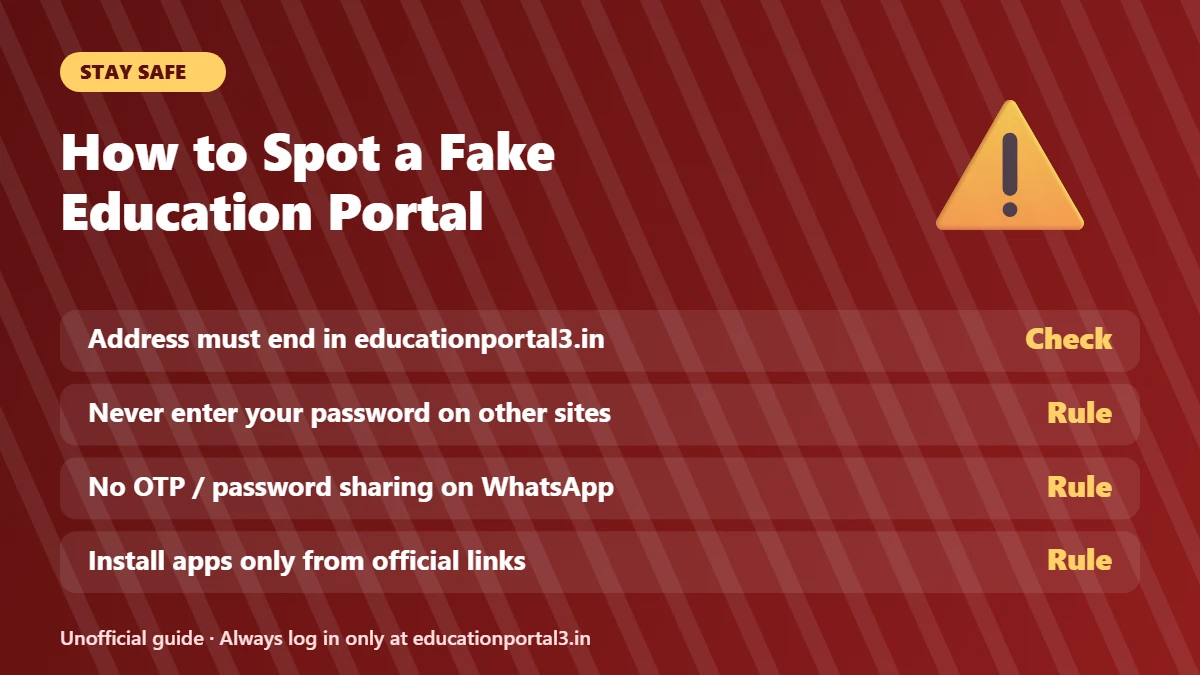
How to Spot a Fake Education Portal
Many private websites, including this one, use names similar to the portal. Informational guides are fine, but you should never enter your login details anywhere except the official portal.
- Check the address bar. The official login pages end in educationportal3.in.
- Never type your password or OTP on any other website, form or chat.
- Ignore unofficial apps. Install apps only from links published on the official portal.
- Be careful with “helpline” numbers posted on random sites. Use contact details shown on the official portal itself.
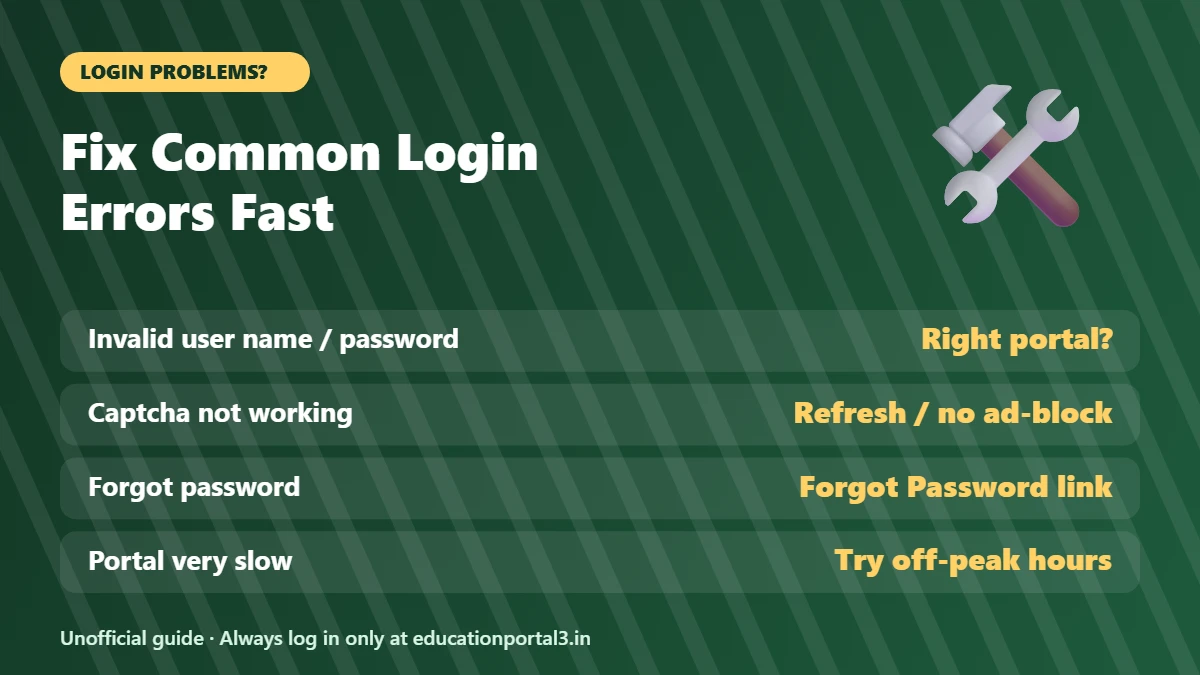
Common Login Errors and How to Fix Them
| Problem | Likely cause | What to do |
|---|---|---|
| Invalid user name or password | Using the wrong system, or a typo | Make sure you are on the right portal (ERP vs GFMS vs POMS), check caps lock, then use Forgot Password |
| Captcha not loading or rejected | Ad-blocker, old cache, typing mistake | Disable ad-blockers for the site, refresh the captcha, clear cache or try another browser |
| Forgot password | — | Use the Forgot Password link on your login page. ERP resets use the email registered in your service record |
| Wrong details in your record | Data entered incorrectly | Contact your school head or DDO; they can correct records |
| Portal very slow near deadlines | Heavy traffic | Try early morning or late evening, and avoid the last day of a deadline |
Frequently Asked Questions
What is the official website of MP Education Portal 3.0?
The official portal is educationportal3.in, run by the School Education Department, Government of Madhya Pradesh. Staff logins are on its sub-sites, such as sederp.educationportal3.in and gfms.educationportal3.in.
Can I use my ERP login on GFMS?
No. ERP, GFMS and POMS are separate systems with separate credentials.
How do I get an ERP user name?
ERP accounts are created by the department. Ask your school head or DDO; there is no self-registration for regular staff.
Is this website the official portal?
No. This is an independent guide. Use it to understand the process, then complete every task on educationportal3.in.
Need the full walkthrough? Read our complete MP Education Portal 3.0 login guide.